Open by choice

Many installers know heating systems well and Home Assistant hardly at all. Many Home Assistant enthusiasts know little about heating systems. The Brick installer pathway brings the two together, without turning anyone into a programmer.
In recent years Home Assistant has become the most widely used open-source home automation software in the world, and more and more clients ask for it by name. Heating and electrical installers come across it ever more often: a client who already uses it at home, an engineer who specifies it, an integrator who suggests it for an office.
Becoming a Home Assistant professional installer, though, does not mean learning to program. It means knowing how to bring a very powerful piece of software into a real system, under the rules that real systems follow. That is the pathway we offer installers who want to work with Brick.
The pathway is designed for three profiles, which often overlap in small firms.
No programming skills are needed at all. What you need is knowledge of building systems, or the will to learn the part that is missing.
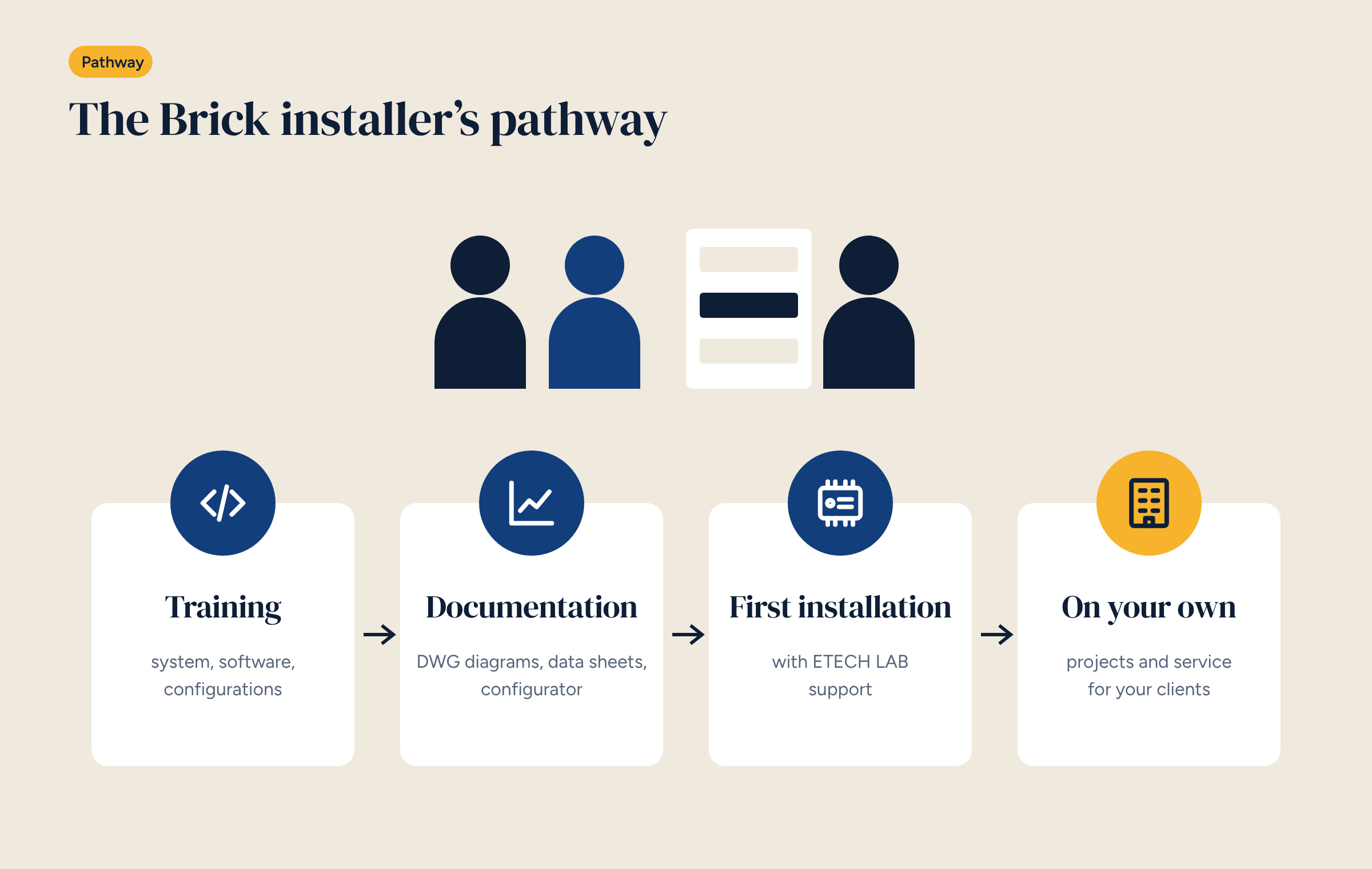
Training covers three areas, always with real systems as examples.
The system. How Brick is built, what inputs and outputs it has, how it mounts in the panel, how sensors, actuators, pumps, valves and heat sources are connected. Panel builders pick this up quickly, as we described in the article on Brick on a DIN rail.
The software. The Home Assistant and Node-RED basics that really matter in a heating system: entities, dashboards, flows, schedules, users, backups. Not all of Home Assistant: the part needed to control and maintain a system.
The configurations. How to choose the right configuration for a system, adapt the diagram, customise zones and schedules, and set the heating curve.
Brick installers work with documentation designed for site use:
These are open documents, which installers can use, adapt and hand over to clients.
The first installation is where you learn the most, and where help is worth the most. So a new installer’s first system is prepared together: choosing the configuration, checking the diagram, preparing the panel, and technical support during commissioning.
A good first installation is a simple upgrade: a home or small office, underfloor heating, up to four zones. Configuration A0 is often the best place to start, because it builds on the existing thermostats and can be completed in a day.
After the first few systems, the installer works independently with their own clients: designing, installing, handing over, maintaining. Technical support remains available for difficult cases and custom configurations.
Two things are absent, and will stay that way: territorial exclusivity and brand lock-in. A Brick installer can work wherever they like, with the components they prefer, and a client can always choose another installer. It is the same freedom we ask for clients, which we described in the article on the authorised installer.
A heating engineer with a three-person firm works mainly on detached houses and small apartment blocks. They know boilers, heat pumps and underfloor heating well, have used controllers from several brands, and have never opened Home Assistant.
After training, they choose a long-standing client’s home as their first system: four-zone underfloor heating, working wired thermostats, a condensing boiler. They build the panel in the workshop from the A0 diagram, check it with us, and fit it in a day. During commissioning they have a technical contact on the phone.
On the second system they change configuration: an upgrade with Zigbee sensors and control from the app. By the fifth, they also offer the client energy monitoring on the heat pump. They haven’t become an IT specialist: they have added a skill to their trade.
Working with an open system brings concrete benefits for installers too.
Do I need to know how to program? No. The ready-made configurations cover the most common cases. Customisation is done with Node-RED’s visual tools, and comes with practice.
Do I have to buy a kit or a minimum quantity? No. You start with the first system.
What if a client wants a non-standard system? Start from the nearest configuration and adapt it, or design a custom solution with us.
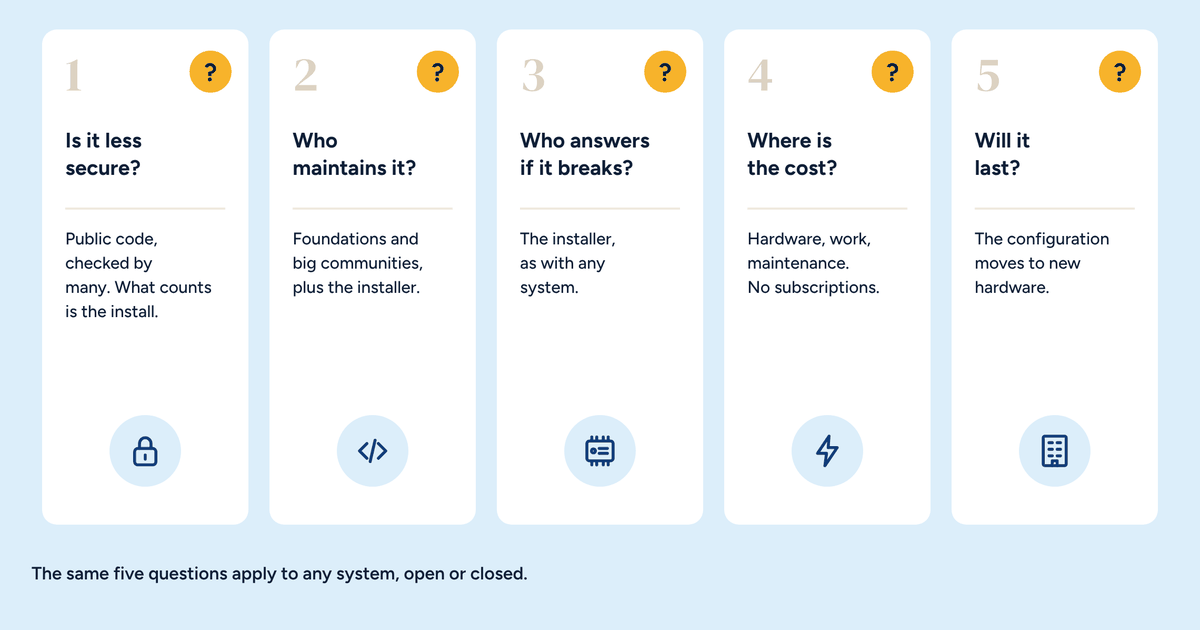
Who is responsible for the system? The installer, as with any system. The documentation and checklists are there precisely to record how it was done, as we wrote about Home Assistant in a professional installation.
The first step is simple: get in touch, tell us what work you do and which systems you look after. From there we organise training and the first installation, on the timescale of the site rather than of a sales programme.
Tell us what work you do and what systems you look after: we will let you know when the next training starts and how to organise your first Brick installation.