From panel to data

For an installer, going from a thermostat to a connected heating system is a clear technical job. For the client it is a leap in the dark: costs, apps, the internet, data. Here is how to explain it simply and honestly, starting from the questions they always ask.
Installers know how to explain to a colleague what changes when you go from a thermostat to a connected system: a controller, a sensor per zone, weather compensation, data logging. To the client, though, those words mean little. They want to know three things: will they be more comfortable, how much will they spend, and will life get more complicated.
This article is for installers proposing a connected heating system to homeowners and small businesses. It gathers the questions we hear most often and the way we think it is right to answer them.
The first rule is to talk about results, not technology. Modbus, Zigbee, Home Assistant are words that reassure technicians and scare clients. It works better to start from a problem the client recognises:
Then explain what changes for that problem. “Every room will have its own temperature, and you’ll see it on your phone” is a sentence clients remember. “We’ll install Zigbee sensors with Node-RED logic” is not.
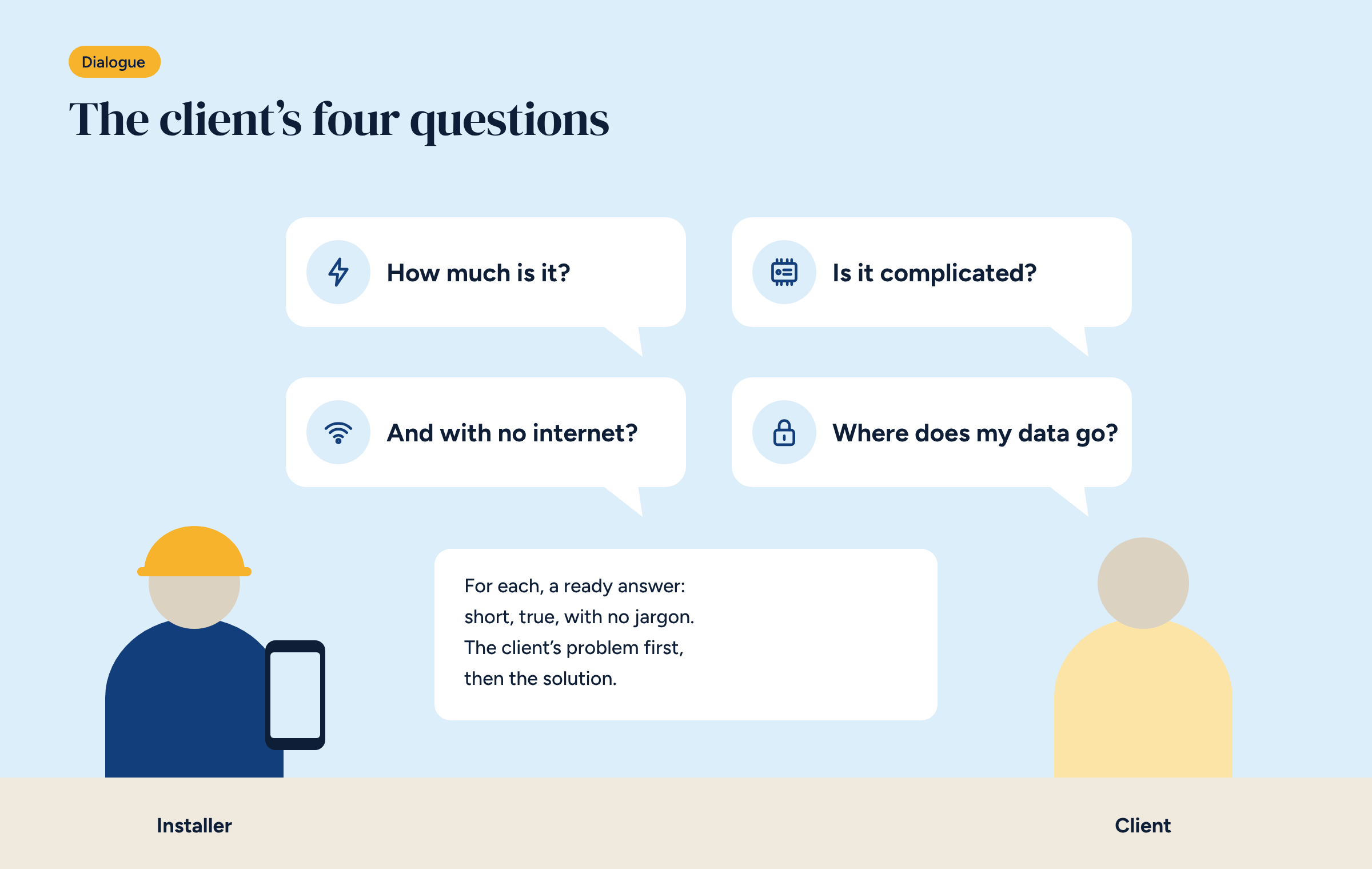
In our experience the questions come back almost word for word. It pays to have a short, true answer ready for each.
How much does it cost? It comes first, and the honest answer is a range, not a number. It depends on how many zones are needed, what is already there and how much of the plant room goes under the new controller. It helps a lot to show what stays untouched: boiler, pipes, floors. And it helps to talk about cost over time, not just the purchase, as we did in the article on the ten-year cost of a control system: no subscription means the price paid today is the final price.
Is it complicated to use? The answer is in the app: the rooms, the temperatures, a button for Comfort and one for Eco. Those who want to do more can; those who don’t, needn’t. And existing thermostats, if they work, can stay, as in configuration A0.
What happens if the internet goes down? This is the question that says most about a system. With a local system the answer is: nothing, the house stays in control, you only lose access from outside. It is worth saying clearly, because many clients have had different experiences with cloud devices. Remote access, if needed, goes through a private network, as explained in the article on remote control without the cloud.
Where does my data go? More and more clients ask. A local system’s answer is simple: it stays at home, on the controller in the panel, and nobody sees it without the owner’s permission. For those who want to know more, there is the article on where thermostat data ends up.
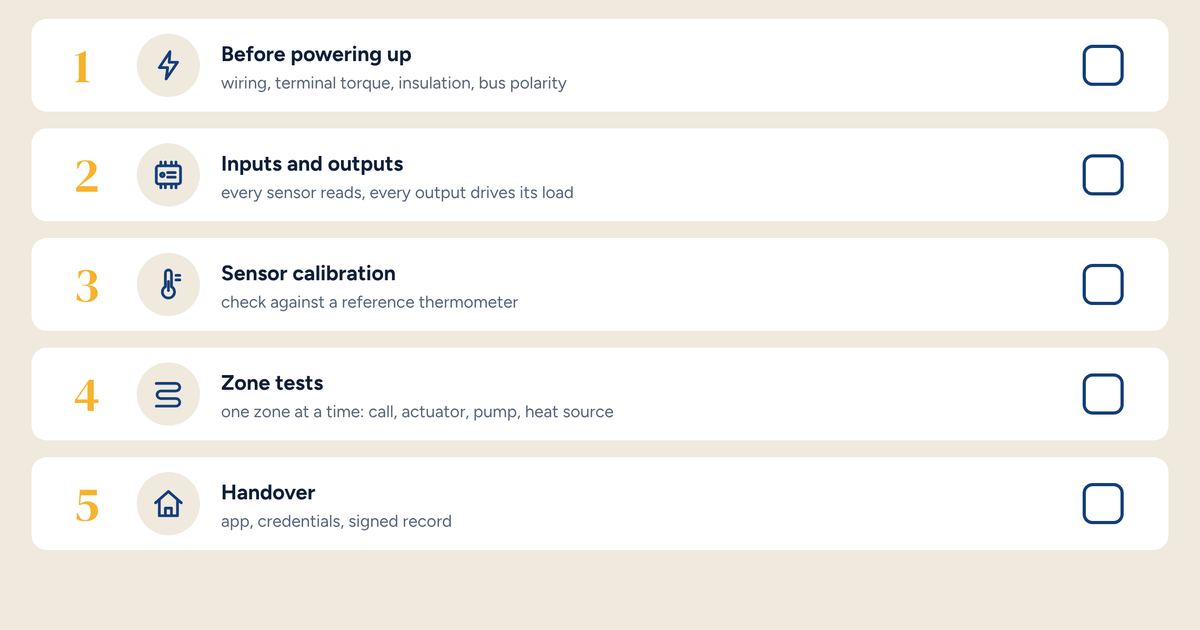
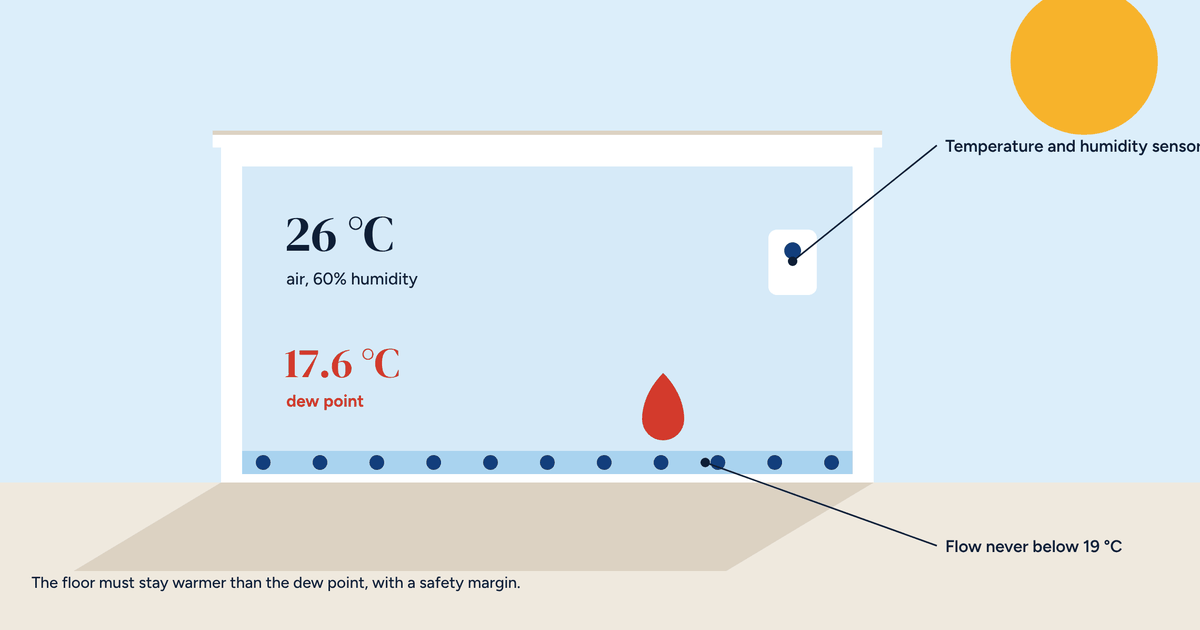
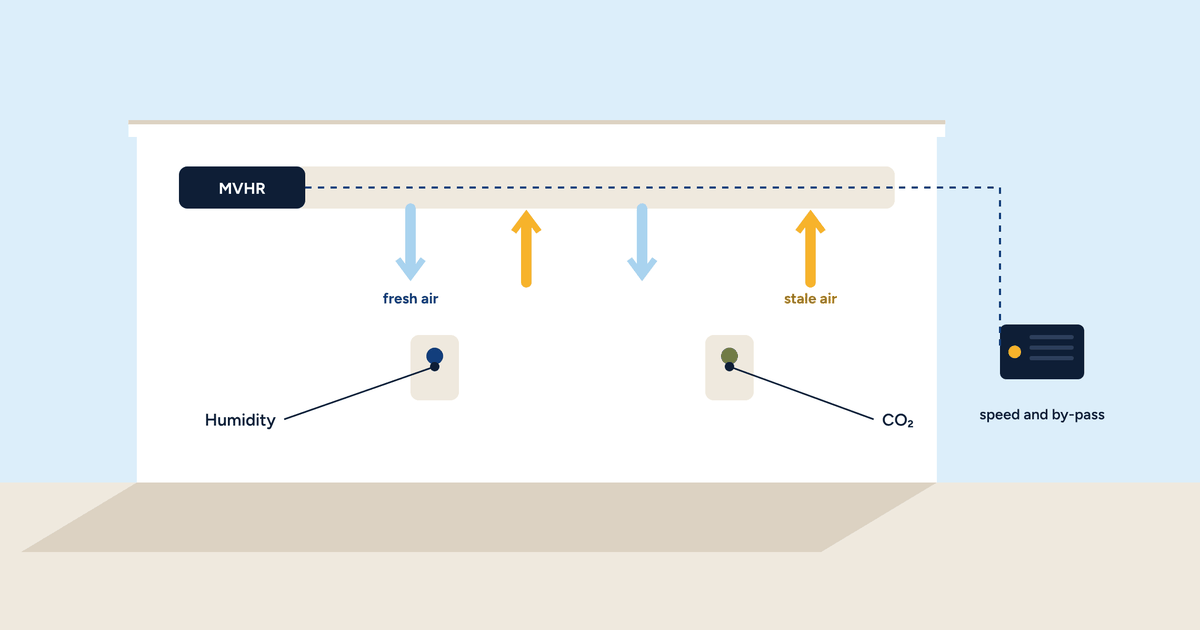
Images convince better than words. Three things to show during the site visit or in the quote:
Trust is lost with one wrong promise. Some things can be promised safely: every room at its own temperature, schedules from the app, a house that stays in control without the internet, no subscription.
Others cannot. Savings above all should not be promised as a precise figure. You can say that research points to 10–20% on average compared with a single thermostat, that it depends a lot on the home, and that you will measure it together with the system’s data. It is more honest, and in the long run more convincing. As we wrote in the article on going from one to eight zones, in a small, uniform home the benefit can be modest, and it is better to say so up front.
Then there are objections that come up less often, but are harder.
“My brother-in-law says open source isn’t secure.” You can answer that free software runs bank servers and large companies’ systems, and that a building system’s security depends mainly on how it is installed: a separate network, personal passwords, planned updates.
“And what if you stop trading?” It is the most serious question, and the best one for an open system. The system stays with the client, with the diagrams and configuration handed over: any other installer who knows Home Assistant can take it over.
The explanation doesn’t end with a signed quote. Handover day is when the client decides whether they will actually use the system. Half an hour spent setting the schedules together, showing where consumption appears and explaining whom to call if something goes wrong is worth more than any advanced feature. A client who understands the system recommends it to others.
A phone call or a visit two or three weeks later closes the loop. Look at the charts together, adjust the schedules, answer the questions that came up through use. For the installer it is also the right moment to find out whether the client is happy, and to propose, where it makes sense, the next step: energy monitoring, remote access, an extra zone.
To help with this explanation we made the second video in our series, which you can watch below. In under a minute it shows a system with thermostats each working on their own, and turns it into a connected system, with the links to Brick lighting up one at a time. Many installers send it to the client a few days before the site visit: they arrive at the meeting with the questions already clearer.
Download the Brick configuration diagrams: they also help show the client, on paper, what changes in their system.