Your data stays yours

Turning the heating on while you travel home is convenient. It does not require the system to depend on a distant server: a private link between your phone and the house is enough.
Remote heating control is one of the most requested features: checking whether the house is cold, bringing the heating on before you get home, getting an alert if something goes wrong at the holiday home. Many people assume it requires an app tied to the manufacturer’s cloud. It doesn’t.
In an earlier article we explained why control is best kept local, inside the building. Here we look at how to add access from outside without giving up that principle.
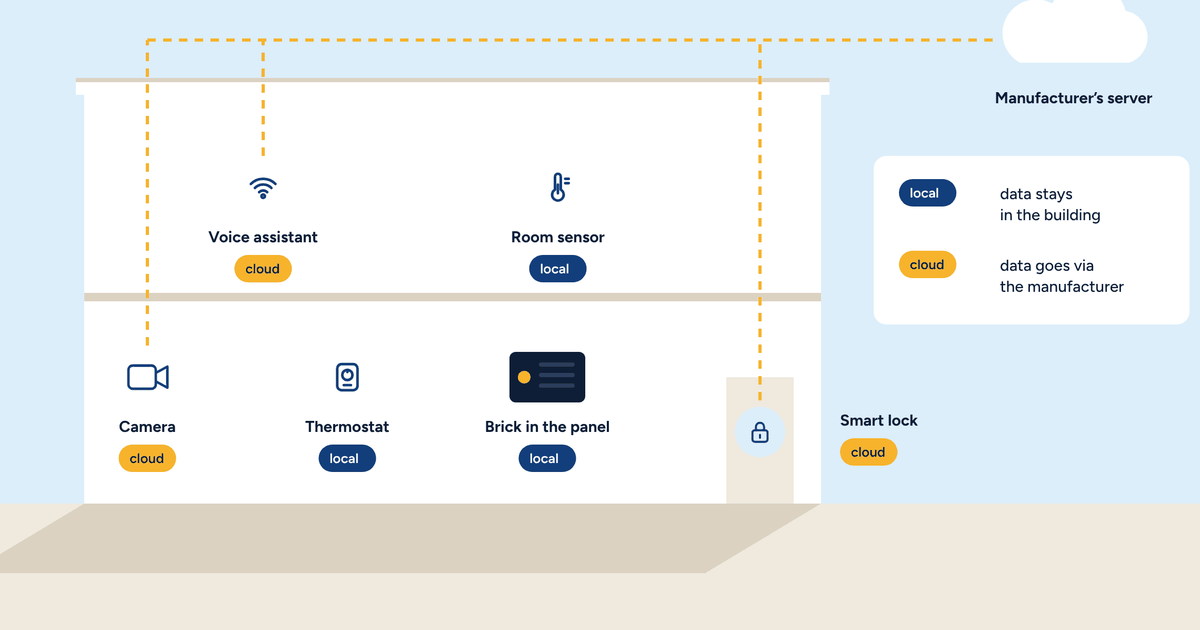
With a cloud-connected thermostat, a command travels like this: the phone sends the request to the manufacturer’s server, the server passes it to the thermostat, which is permanently connected to the server. The thermostat is never reachable directly: it only talks to its server.
It is a convenient solution for the manufacturer, because it works in any home with no configuration. But it comes at a price: the server sits in the middle of every command and every reading. If the server does not respond, the phone cannot reach the house. If the manufacturer changes its terms, the service changes too.
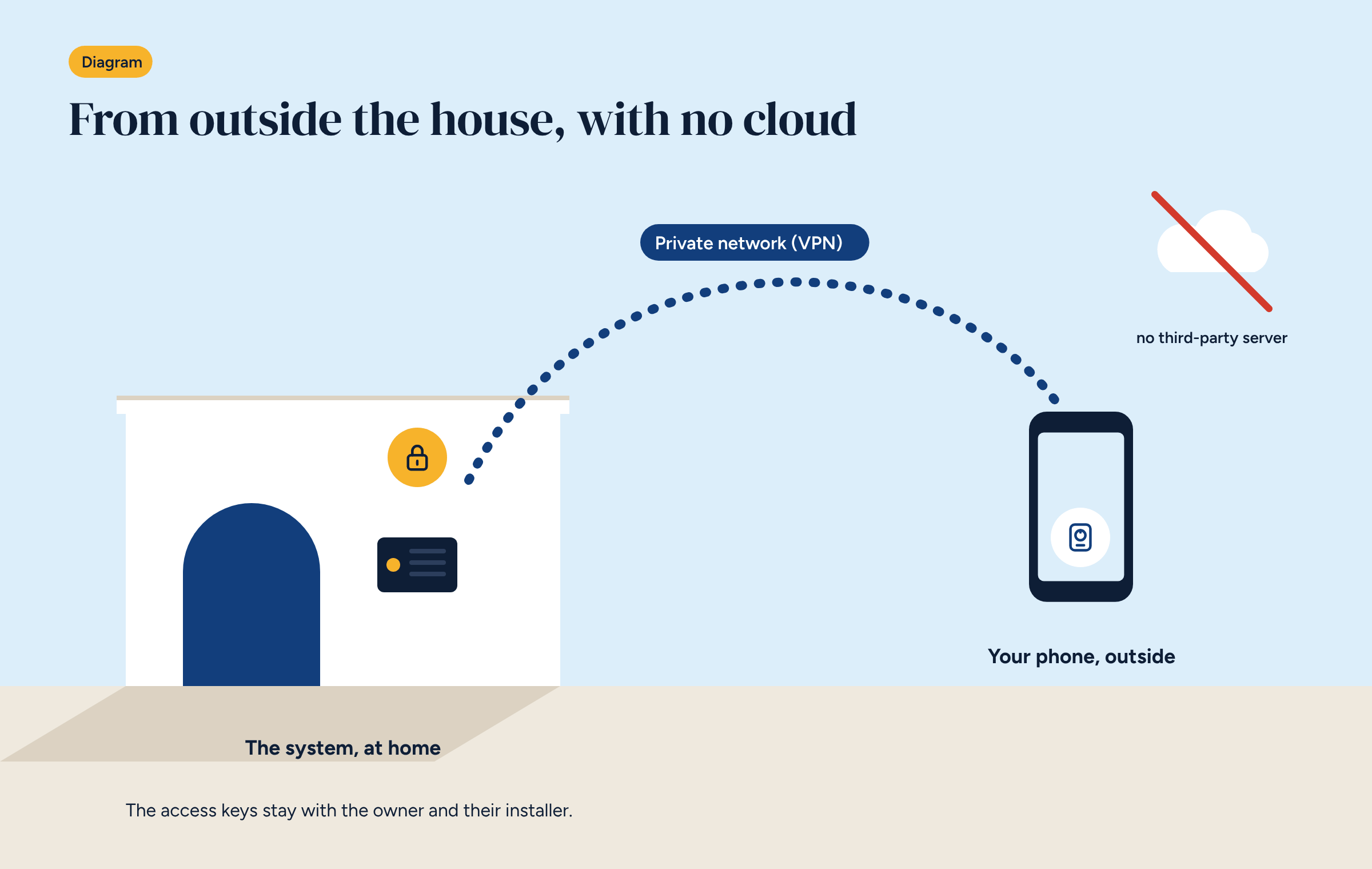
The alternative is to let the phone talk directly to the system, through a virtual private network, or VPN. The principle is simple: wherever it is, the phone enters an encrypted “tunnel” that connects it to the home network, as if it were on the living room Wi-Fi. From there it opens the Home Assistant app and sees the system.
Three features matter.
The most widely used technologies are WireGuard and OpenVPN, both open source. Many routers already support them, including the industrial 4G routers with a SIM card used in buildings without a fixed line.
In practice there are three routes, and the installer picks one to suit the building.
On the home router. If the router supports a VPN, configure it there. It is the cheapest option, but it depends on the client’s router and line, which sometimes change without notice.
On a router dedicated to the system. A small industrial router, often with a 4G SIM, connects only the heating system and handles the VPN. The system gets its own network, separate from the home or office one. It is the most robust option, and the natural choice for holiday homes and buildings without a fixed line.
On the controller itself. The controller can act as the VPN endpoint. It works, but it needs more care with the network configuration.
With remote access you get the same app you use at home: you can see room temperatures, change a schedule, switch from Eco to Comfort, look at energy charts and receive alerts.
Some things are better not done remotely, or done with care. Changing the system’s safety parameters, such as the maximum flow temperature, is an installer’s job and should be done with someone on site, or with complete certainty about what you are doing. And the real safety devices, such as the floor high-limit thermostat, are hard-wired and cannot be touched from the app, near or far.
In a cloud system the manufacturer holds the keys. In a VPN-based system they are held by the people who should have them:
At handover the installer should leave a document listing the active keys and the procedure for revoking them. It is good practice that takes ten minutes and avoids a lot of doubt when staff or installers change. Holiday homes need one more precaution: if the property is let, guests should never be given a key to the system. A room controller, where there is one, is all they need.
Badly configured remote access is worse than none. Three rules always apply.
No open ports to the system. The most common shortcut, and the most dangerous, is opening a port on the router that leads straight to the system’s app. It works immediately, but it makes the system visible to anyone on the internet, and there are programs scanning for exactly this kind of access day and night. With a VPN it is not needed.
One key per person. Never a key shared between several people. When someone should no longer have access, you revoke their key without disturbing anyone else.
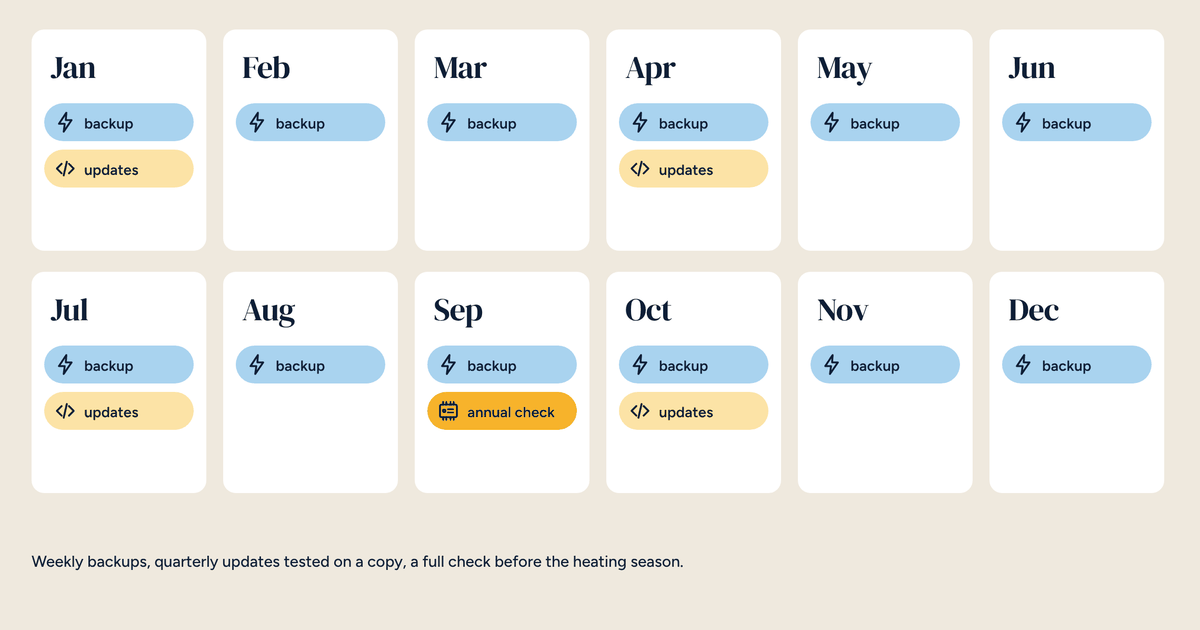
Strong passwords and updates. App accounts have long passwords, different from those used elsewhere. The router and controller are updated regularly, as set out in the maintenance contract.
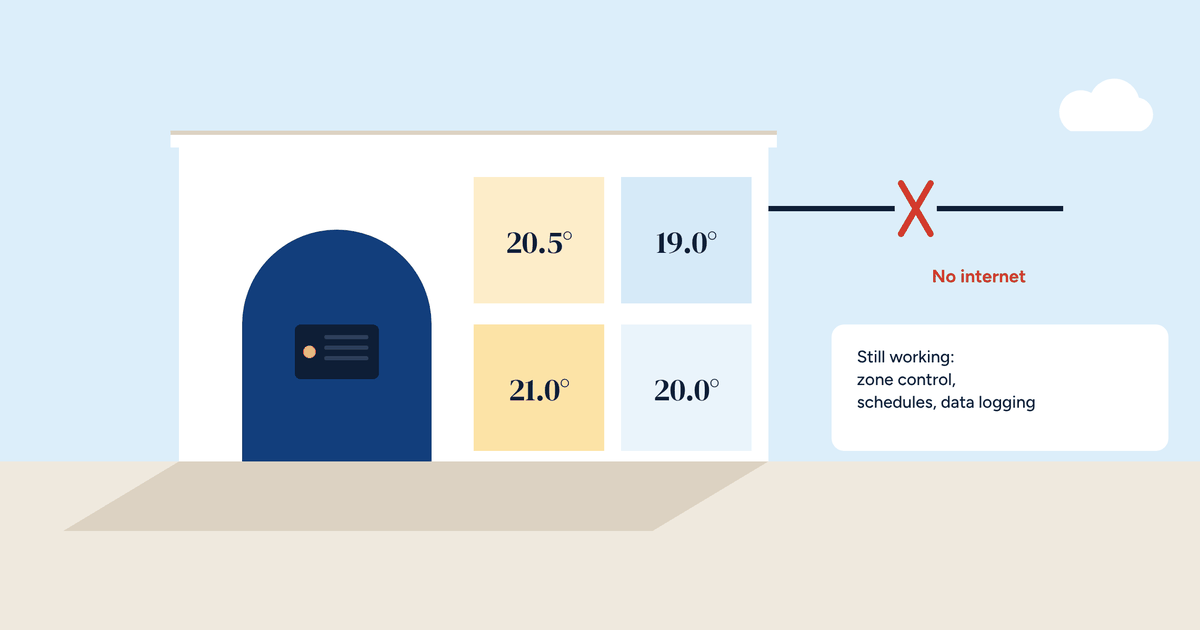
If the line goes down, you lose access from outside. Nothing else. The controller keeps running the zones, following the schedules and logging the data. When the line comes back, so does remote access, and the charts show everything that happened in the meantime.
That is exactly the opposite of many cloud systems, where losing the line means losing smart control and sometimes the schedules too.
Brick works locally and does not need a cloud. Access from outside is added when needed, using one of the three routes above, and the components you can order with the system include an industrial 4G router. The app is Home Assistant’s, the same at home and away.
For the installer, setting it up does not take long, but it needs care: a separate network, personal keys, no ports opened on the router to the system. We will publish a technical article for installers and integrators on setting up a VPN for Home Assistant step by step.
Brick works locally. If you want to see and control the system from outside, your installer sets up a private network and hands you the keys.