Your data stays yours

A connected home knows a lot about the people who live in it: when they wake up, when they leave, who comes in. You don’t have to give up convenience to protect that information. You need to know which devices collect it, where they send it and what you can control.
A connected home is convenient: lights switch off on their own, the heating comes on before you get back, the doorbell shows who is at the door. Every convenience, though, comes from a piece of data: a temperature, a movement, an image, a time. Put together, these data tell the story of the people who live there.
This smart home privacy guide is not just for specialists. It concerns anyone with a voice assistant, a camera or a connected thermostat at home. We look at which devices collect data, how to tell where they send it, what to check in the settings and which rights you have. Without alarmism, and without giving up on technology.
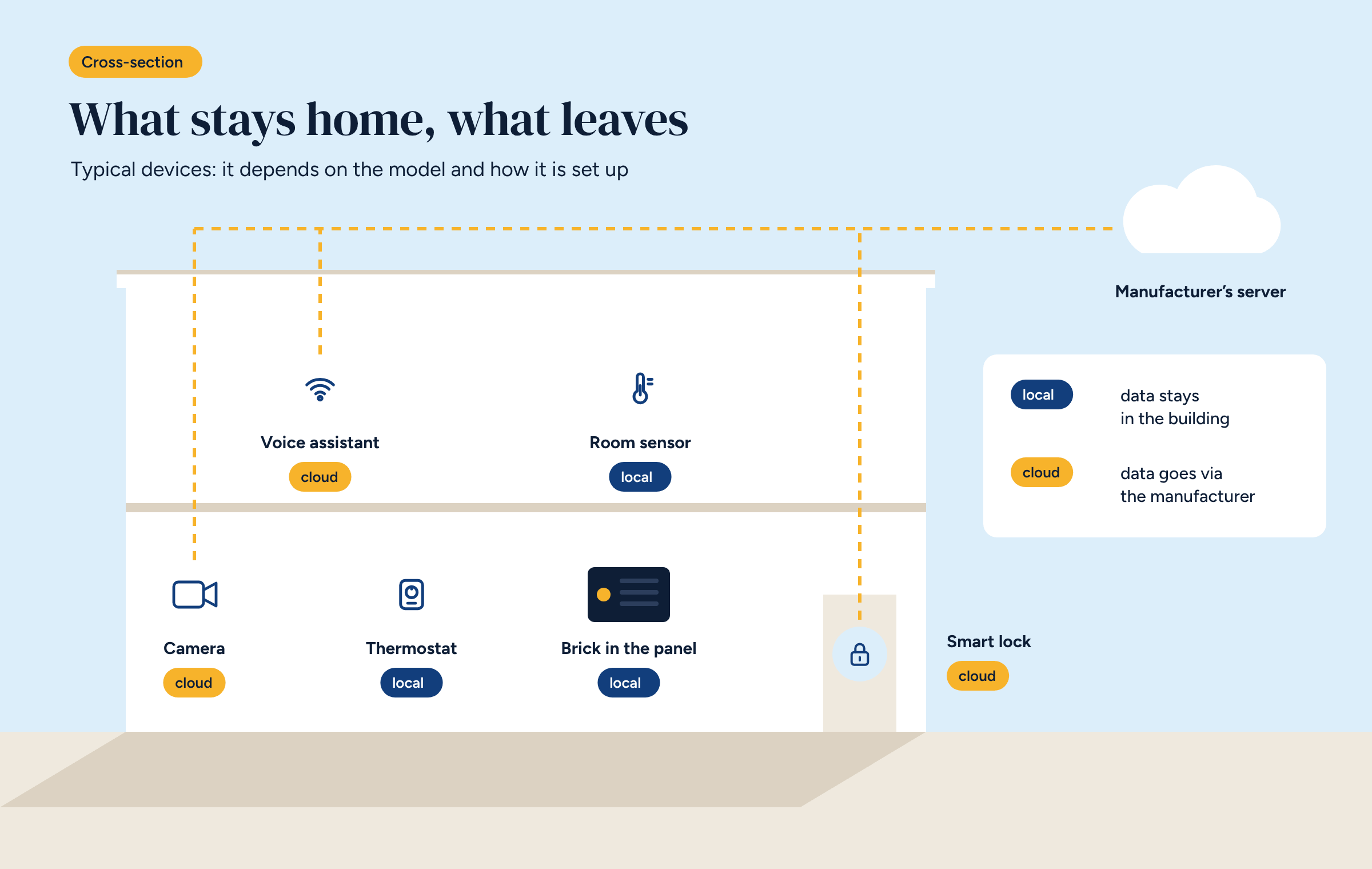
Nearly all of them, to different degrees. It helps to sort them by what they can reveal.
None of these data is dangerous in itself. The problem arises when they leave the home without you knowing, pile up for years on a distant server and get combined with other information.
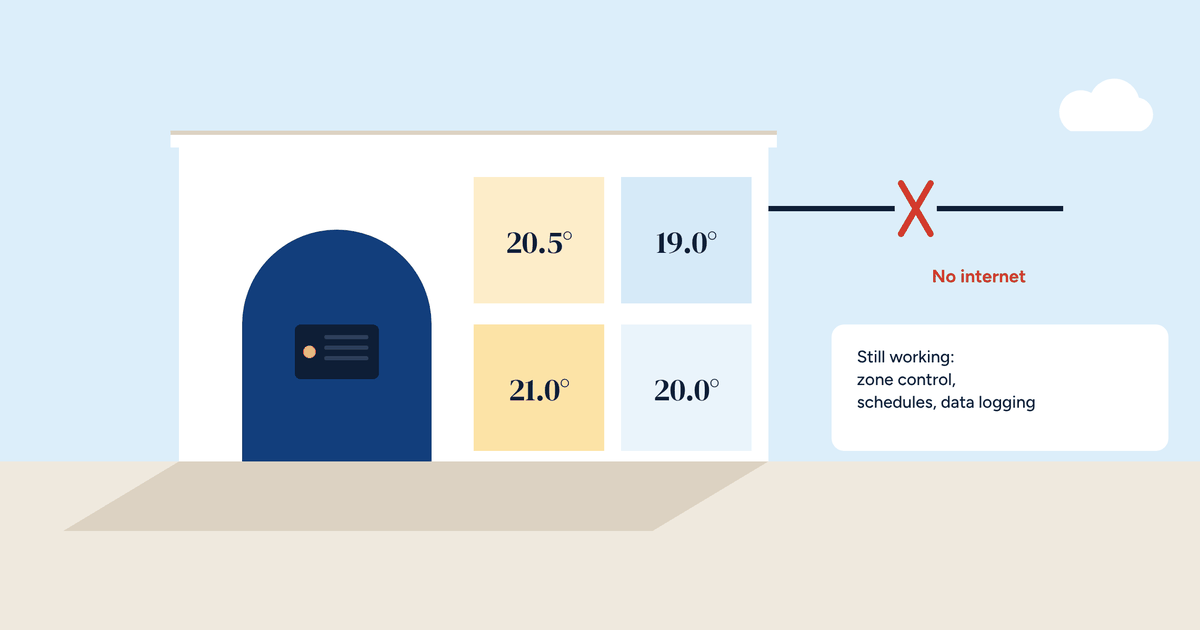
The most useful question to ask about a device is simple: does it work without the internet? We explained the difference in the article on home automation without the cloud. In practice, there are three clues.
First: the router test. Disconnect the internet while keeping the home network on, and try to use the device from the app on a phone connected to the Wi-Fi. If it keeps working, it runs at least partly locally. If it stops, every command goes through an outside server.
Second: the mandatory account. If you must create an account with the manufacturer to use the device, the data almost always passes through its servers.
Third: the terms of use. They are long, but it is enough to search for a few words: “third parties”, “partners”, “retention”, “analytics”. They tell you who receives the data and for how long.
Even a cloud device can be made more respectful. Settings vary by brand, but the items to look for are almost always the same:
Half an hour once a year is enough to review everything. It is also worth doing when you move house or sell a device, restoring its factory settings.
A home is not only lived in by whoever installed the devices. Guests, children and people who work in the home also have a right to privacy.
A simple rule is to always say where the cameras are and when voice assistants are active. For children, check what they can do with the devices and what is stored from their voice commands. For people who work in the home, such as a cleaner or a carer, cameras should be disclosed, and in some cases specific rules apply: find out before installing them.
Watch what you film outside, too: a camera covering the street or the neighbours’ entrance goes beyond purely personal use, and data protection rules apply to private individuals as well.
In Europe personal data is protected by the GDPR, which also covers data collected by a device in the home. Three rights are especially useful:
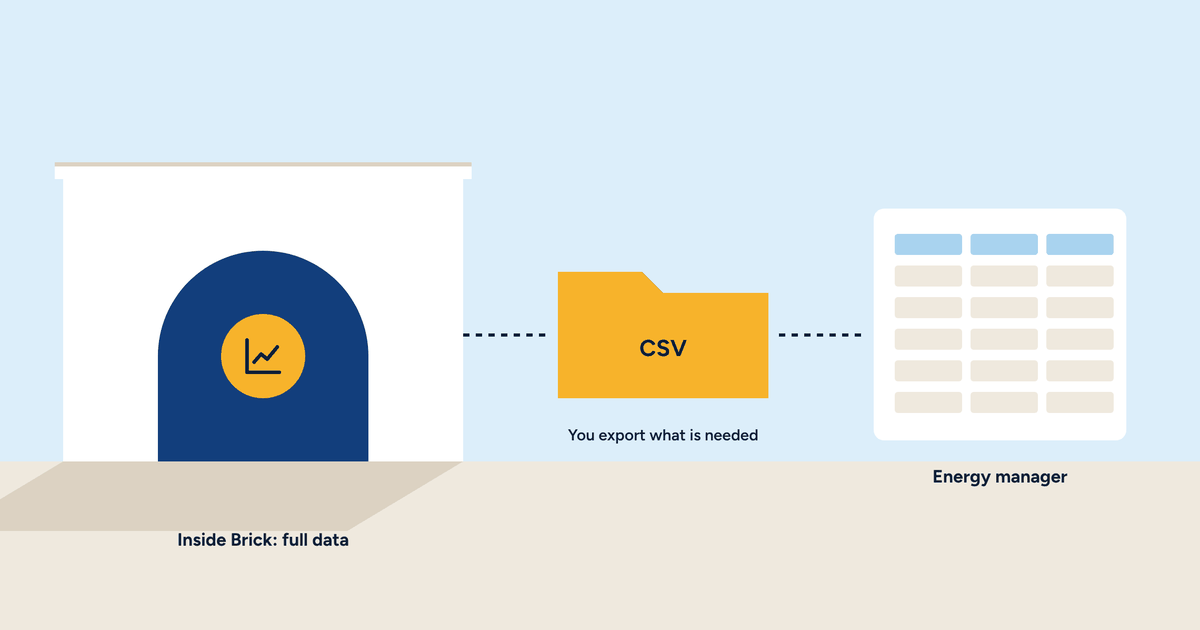
Requests are usually made from the account settings or by writing to the privacy contact listed in the privacy notice. It is the same principle we applied to a building’s energy data in the article on exporting and keeping your energy data: the data is yours, and you should be able to have it.
The simplest way to protect data is not to let it leave. A system that works locally controls the home, logs the history and shows everything on your phone without sending anything to an outside server. Remote access, when needed, goes through a private connection.
It is the principle Brick is built on: the controller sits in the electrical panel, the data stays in its memory, and nobody sees it without the owner’s permission. We described it in detail in the article on how Brick works without the cloud. This is not about giving up cloud devices, but about choosing, for each function, where the data rightly belongs.
We summed up this idea in the fourth video of our series, which you can watch below. A home, its data arising room by room, and a path that stays within its walls instead of heading off to a distant server. It lasts under a minute and works without sound: it is meant for everyone, not just people who work in technology.
Brick controls the system and logs its data inside the building, on the controller in the panel. The Brick page explains how it works, or get in touch.