Your data stays yours

A system that logs its own consumption builds up, year after year, a valuable archive. It supports energy audits, incentive claims and decisions about the next upgrade. As long as you know how to export and keep it.
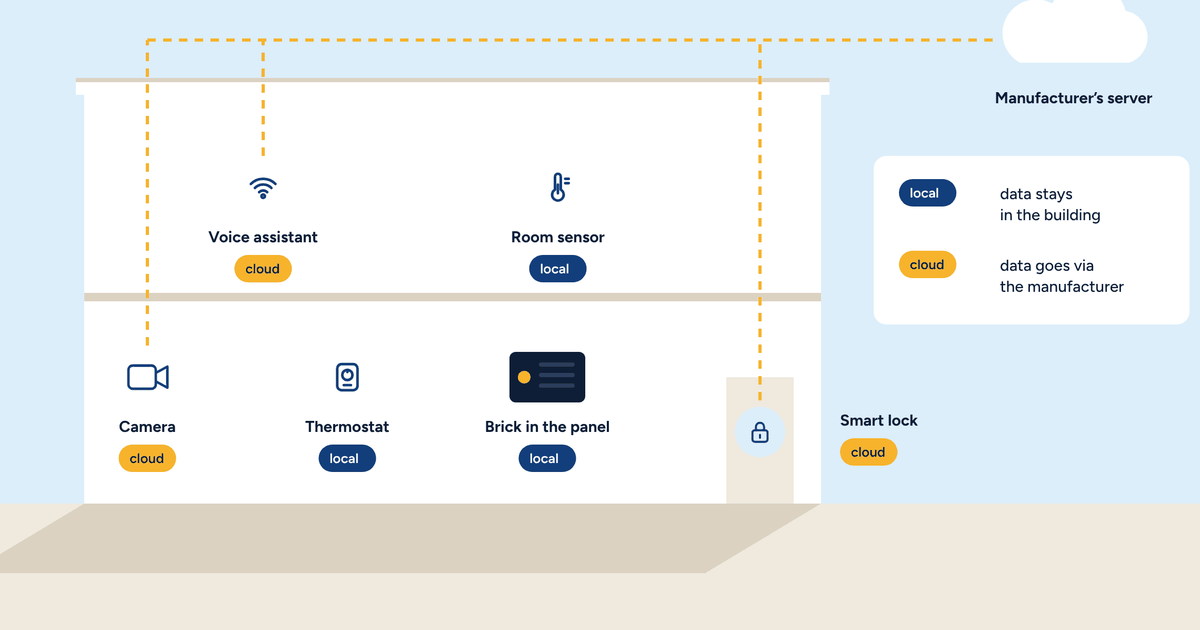
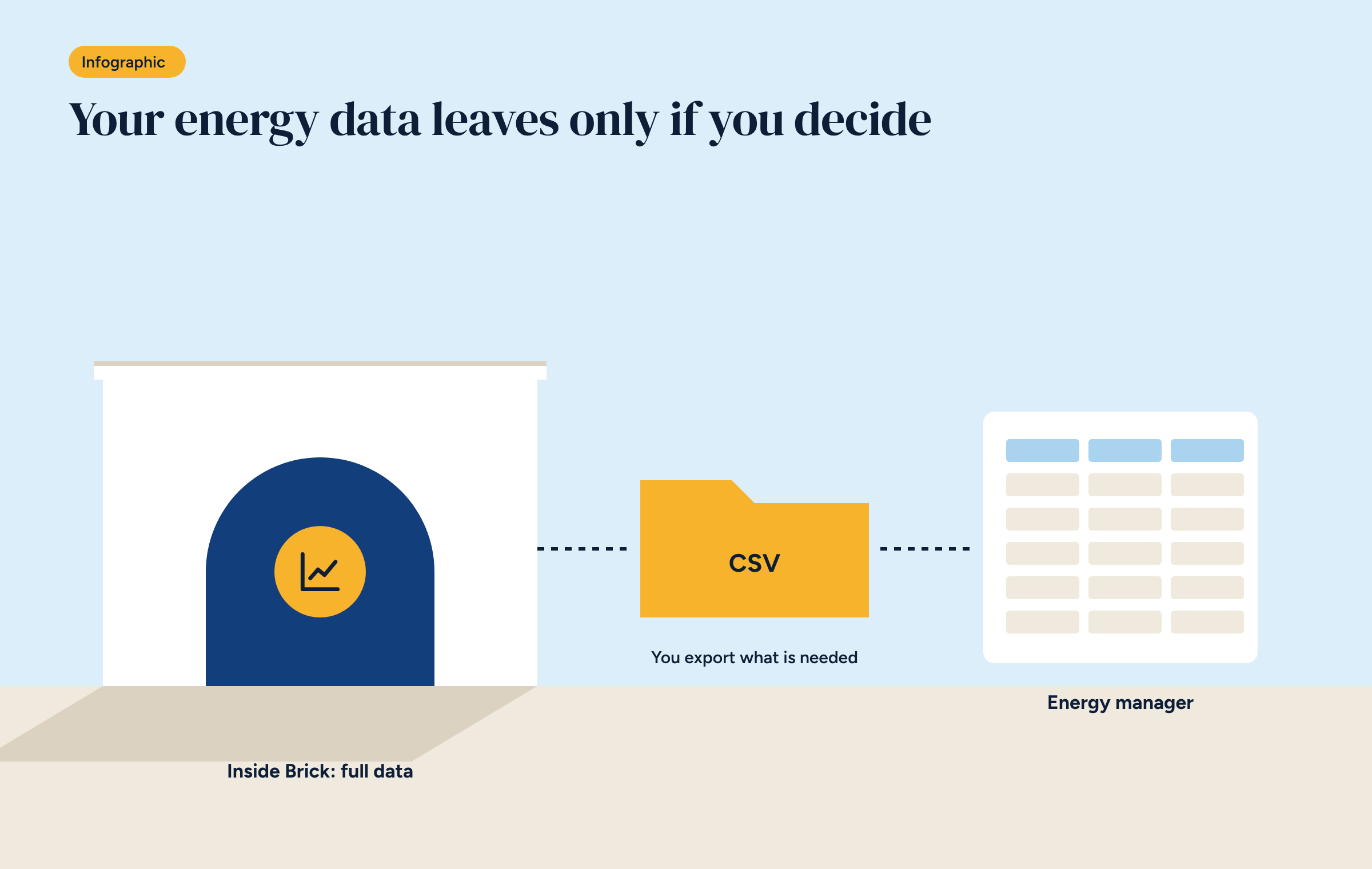
In a Brick system, temperatures, states and consumption are logged minute by minute and stay on the controller, inside the building. It is a deliberate choice, which we discussed in the articles on home automation without the cloud and where thermostat data ends up: the data belongs to whoever uses the system.
Owning your data, though, also means being able to use it: export it when needed, keep it for years and give it to people who can read it. This article explains how, especially when you need to export Home Assistant energy data for an energy manager.
In a Brick system the data lives in two places, with different jobs.
The Home Assistant database. It keeps the detailed history of every sensor, usually for a few days, and long-term hourly statistics, such as energy consumption, for much longer. This is what you see in the app, in the History and Energy panels.
The time-series database that feeds Grafana. It keeps per-minute readings for months or years, according to the retention policy set. This is what is used for analysis, as in the plant room dashboard.
Both live on the controller. No copy leaves the building unless whoever manages the system decides so.
The simplest and most universal format for exporting data is CSV: a text file with one row per reading and columns separated by a character. It opens in any spreadsheet and any analysis software, today and in twenty years’ time.
There are three ways to get one, depending on the period and the detail needed.
A useful CSV is more than a column of numbers. For the recipient to use it without phone calls, follow a few rules:
underfloor_flow_C, gas_m3, heat_pump_kWh;The last point is the most neglected and, in our experience, by far the most useful. A jump in consumption in mid-January makes immediate sense if the note says the heating curve was changed that day.
Consumption data becomes more valuable over time, not less. One year shows how the system works. Three or four years let you compare different winters and prove the result of an upgrade.
A sound policy is:
That way a controller failure doesn’t wipe out the system’s history.
An energy manager preparing an energy audit needs data that shows how the building uses energy. Audits follow a method set out in standards such as EN 16247, but the data required is largely the same:
These are the readings described in the article on the six readings in a plant room. A system that has logged them for a year allows a much more precise audit, and a cheaper one, than an audit based on bills alone.
Sometimes someone needs the data on an ongoing basis: an energy manager who follows the building all year, an engineer who looks after its maintenance. Rather than sending a file every month, you can grant access.
The local-system principle applies here too. Access is given through a personal user account, with read-only permission on the dashboards needed, over the system’s private network. It is revoked when the relationship ends. That is very different from uploading data to an external platform whose rules you don’t control: there remains a single copy, in the building, and whoever consults it does so on the owner’s terms.
Before handing data to anyone, stop and ask what it actually contains and who it describes. Room-by-room, hour-by-hour temperatures show when people are present. In a private home the decision is the owner’s. In an office, a hotel or an apartment block, it concerns other people too.
The solution is often simple: an audit only needs plant room data and totals per zone or per floor, without room-level detail. Exporting only what is needed is the simplest way to protect everyone.
There is one last reason to look after consumption data: it is worth something. When selling or letting a building, applying for an incentive, choosing between two upgrades, or showing a public body that a measure worked. A system that keeps its own data, and hands it over in an open format, puts that value in the hands of its owner.
If an energy manager or engineer asks for your Brick system’s data in a specific format, get in touch: we will help you prepare it.