Measured energy

In a hotel or B&B many rooms stay empty for days, yet they are often heated or cooled as if guests were there. Linking room control to occupancy is one of the simplest ways to use less energy without touching comfort.
Hotel room heating control has a problem homes don’t have: rooms fill and empty all the time. A room can stay empty for a week, then be occupied for three nights, then empty again. If the controls don’t know, the room is heated in winter and cooled in summer as if someone were always there.
A simple example, with round numbers, gives the idea. A property with average occupancy of 60% has, across the year, four rooms in ten empty every night. Every hour of heating or cooling in those rooms is energy nobody uses.
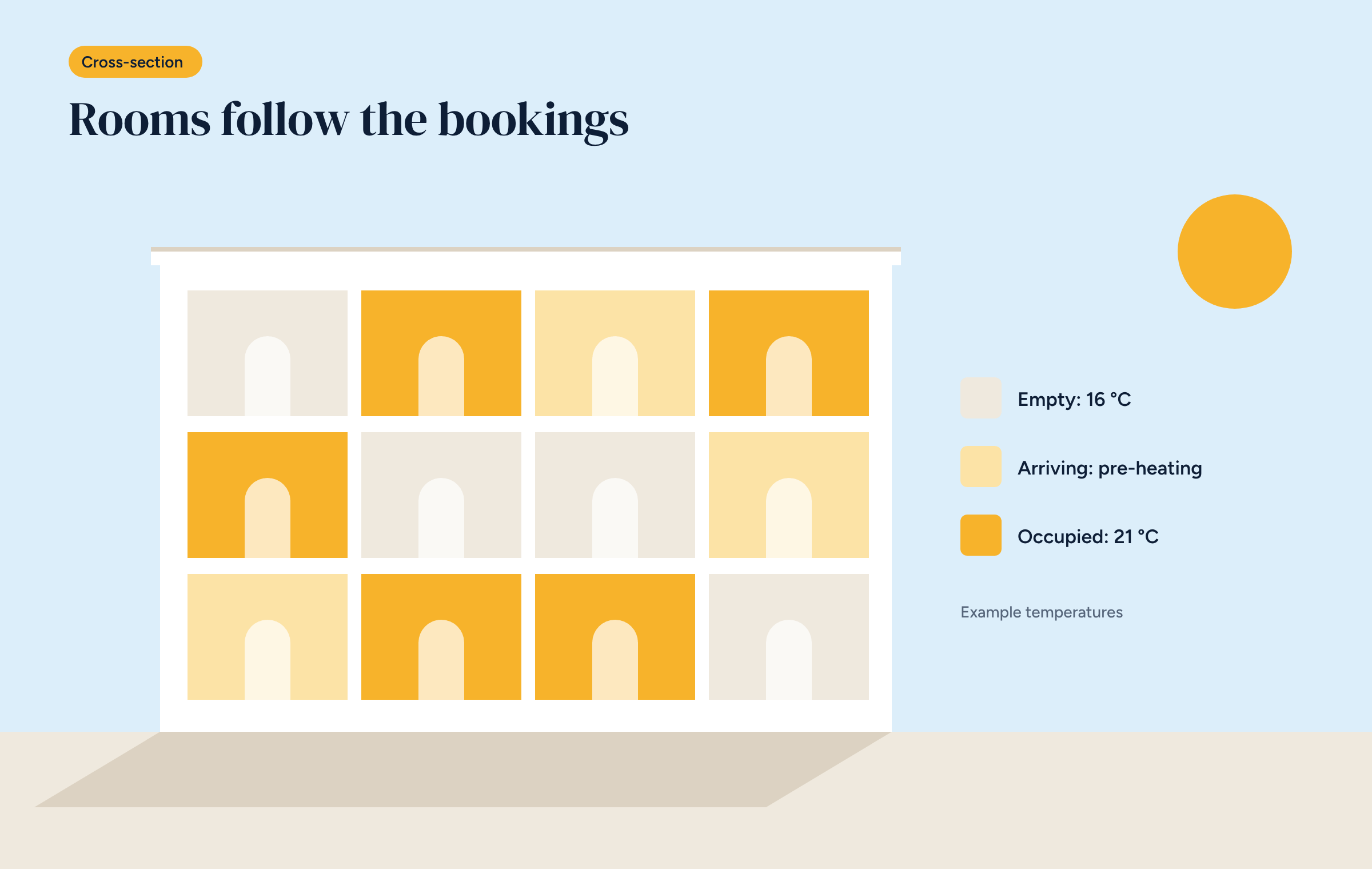
The answer is to give every room three modes, linked to its status.
At check-out the room goes back to “empty”, after the time needed for cleaning.
Switching between modes can be done by hand, by reception staff, with a button per room in the app or on the reception panel. It works, but it depends on staff remembering.
It is far better to link it to the bookings. Many property management systems and booking platforms can export each room’s calendar, for example in iCal format, or offer an interface to read it. The controller reads the calendar and changes the modes by itself: “arriving” on the day of arrival, “occupied” from check-in, “empty” after check-out.
That way control follows what is actually happening in the property, with no extra work for anyone.
Besides bookings, the room itself can provide useful information.
For whoever runs the property, the most useful thing is an overview: every room on one page, with its status, temperature and any alarms. A room shown in red, not reaching temperature before an arrival, stands out at once and can be dealt with before the guest notices.
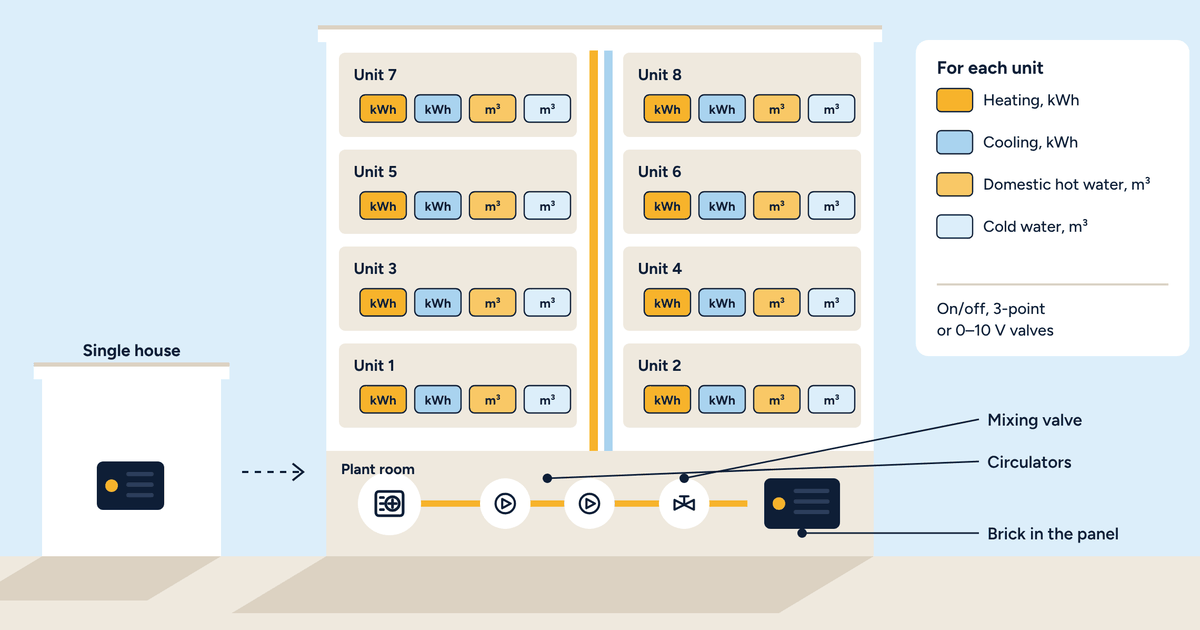
This view can live in the app, on a reception computer or on a panel such as Brick-HMI, mounted in a service room. Alongside it sit consumption charts per floor or wing, useful for seeing where the most is spent.
Savings depend on occupancy, on the system and on how it was controlled before, and no figure fits every property. The literature on individual room control, which we gathered in the article on zone control savings, generally points to reductions of 10–20% compared with a single control. In a hotel, where many rooms are empty, occupancy-based control adds a saving that depends mainly on how many nights rooms stay free.
The honest way to know, for your own property, is to measure: consumption before and after, corrected for degree days and compared with occupancy over the same period.
In southern Europe the season that weighs most is often summer. Many properties have fan coils in the rooms, which cool and dehumidify, and run them for months on end. The three-mode logic applies in the same way: an empty room isn’t cooled, an arriving room is brought to temperature an hour beforehand, an occupied room follows the guest. For details on fan coil control, see the dedicated article.
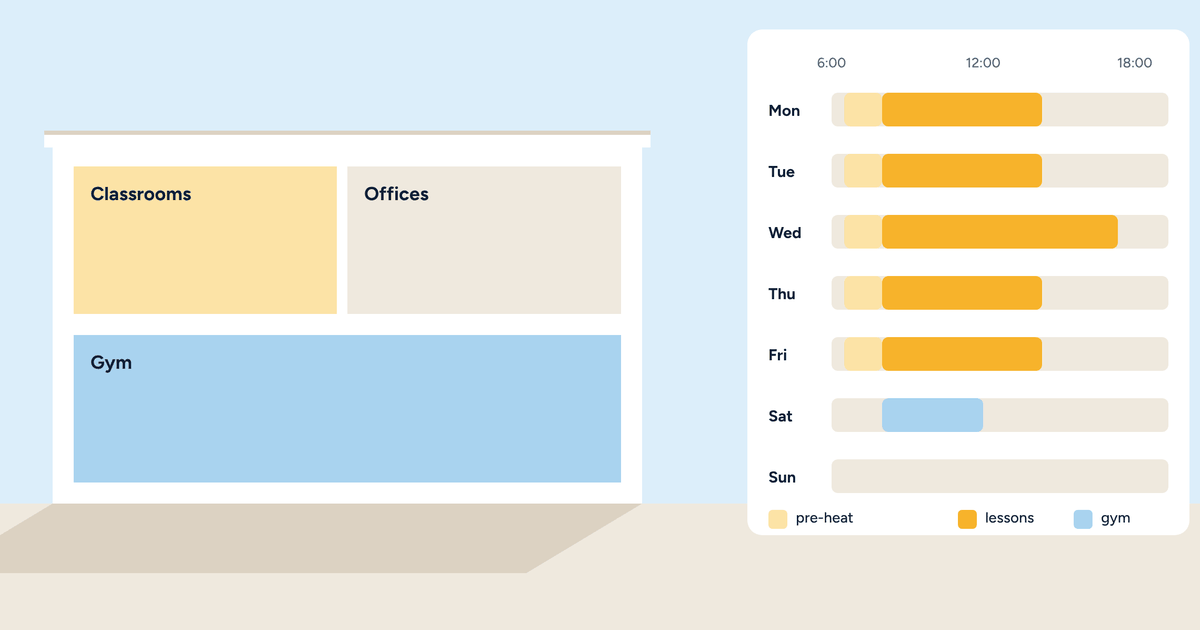
Rooms are not everything. The lobby, breakfast room, corridors and other shared spaces have different and predictable hours, and each deserves its own zone. The breakfast room, for example, needs to be warm from seven to eleven, then can drop to set-back until the next morning. Corridors can stay a few degrees below the rooms. Staff offices follow working hours.
In older systems, these areas are often left on all day because nobody thinks about them. With zone control they are scheduled once, at the start of the season, and adjusted by looking at the charts.
Two points not to forget.
Staff must be able to use the system without lengthy training: a few clear commands, personal user accounts with the right permissions, and no way of changing the system settings by mistake.
And guests’ presence data is personal data. A system that keeps it inside the property, without sending it to external services, makes complying with privacy rules much simpler. It is one of the reasons local control suits hospitality so well.
For an existing property the route is similar to a home’s, described in the article on going from one to eight zones: start from what is there, add sensors and controls room by room, connect the plant room. With an open system, the property also avoids being tied to a single installer for maintenance and future extensions, a risk often met precisely in hospitality, as we described in the article on the authorised installer.
Tell us the number of rooms, the type of system and the booking software you use: we will propose a Brick configuration for your property.