Your data stays yours

There are many ways to reach Home Assistant remotely, and not all of them suit a heating system. For installers and integrators: the options compared, setting up a WireGuard VPN, and the mistakes to avoid.
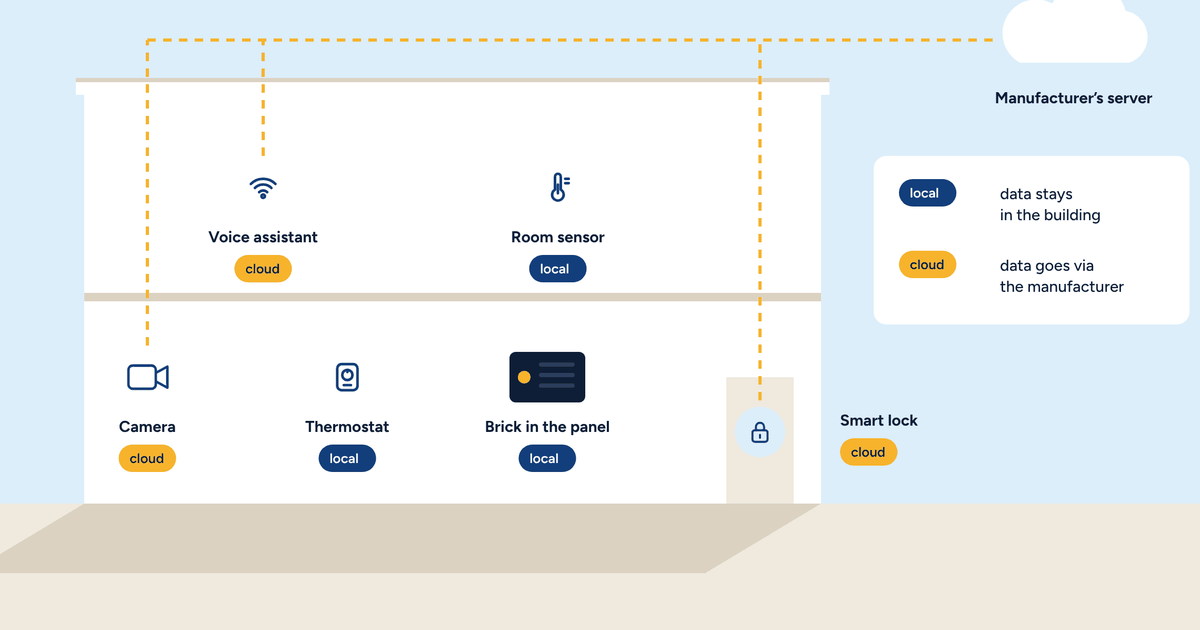
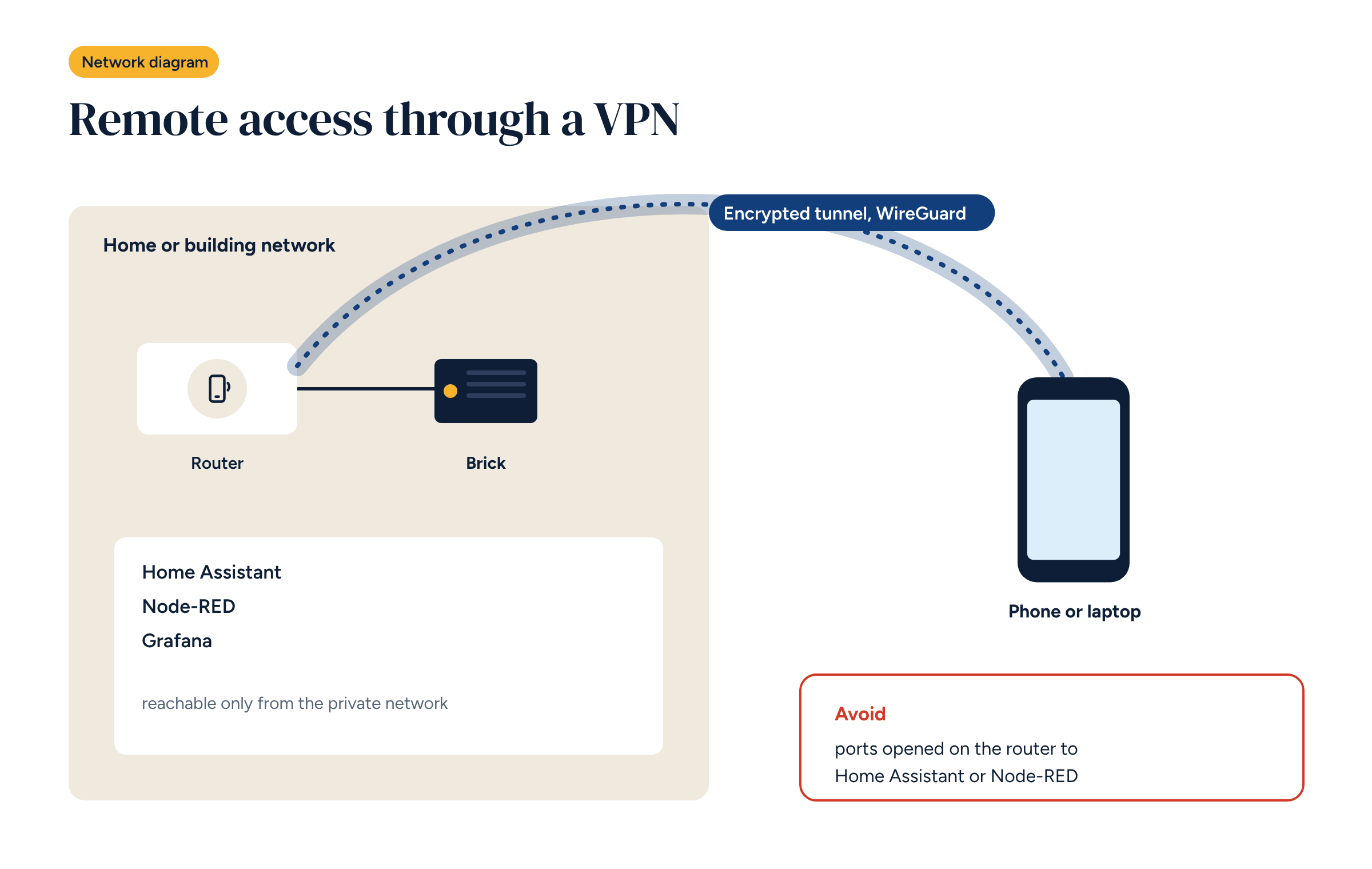
In the article on remote control without the cloud we explained the principle to owners: the phone enters the system’s network through a private tunnel, without going through a manufacturer’s server. This article is for the people who have to build it: installers and integrators setting up Home Assistant remote access without Nabu Casa or other cloud services.
There are several options, and the choice depends on the building, the available connection and who needs access.
Home Assistant Cloud. The official paid service, run by Nabu Casa, the company behind Home Assistant’s development. It takes minutes to set up, needs no network configuration, and its subscription funds the project. It is a good choice for a private home whose owner is happy with an external service and a fee. It is not what we propose for Brick systems, because it introduces exactly the dependency on an external service we want to avoid.
Tunnels through third-party services. Some services create a tunnel from the home network to their own server, making Home Assistant reachable at a public address. They are convenient, but traffic passes through third-party infrastructure and the system depends on their service.
VPNs coordinated by an external service. Some modern VPNs create direct links between devices, but use an external service for authentication and to introduce the devices to each other. Traffic doesn’t pass through their server, but access depends on their account.
A self-managed VPN. A VPN, for example with WireGuard, configured on the system’s router or on the controller. No external service, no fee. It takes more configuration work, and it is the option we recommend for Brick systems.
WireGuard is a modern, open-source VPN protocol, and a very lean one. Compared with older VPNs it has three practical advantages:
The “server” is the device that accepts connections. There are three choices.
With the server on the router, the sequence is as follows.
Many mobile connections have no public IP address: the operator puts several customers behind the same address. In that case the router cannot be reached from the internet, and a traditional VPN receives no connections.
There are two solutions: ask the operator for a SIM with a public IP address, often available on business plans, or have the router connect out to an external VPN server that is reachable, run by the installer or the client. The second route always works, but someone has to maintain that server.
Remote support is one of the most concrete benefits of a connected system: many problems are solved without leaving the office. To do it properly:
A well-configured VPN is useless if nobody knows how it is set up. At handover, the system document should record: where the VPN server is, the list of peers with the name of the person each belongs to, who has admin access to the router, and how to add and revoke a key. Private keys do not go in the document: they stay on the devices of the people using them.
That way, when staff or installers change, access is updated in ten minutes instead of having to redo everything.
Brick works without any external service, and remote access is an add-on, not a requirement. The components you can order with the system include an industrial 4G router, which gives the system its own connection and its own VPN, independent of the building’s network. It is the setup that makes it easiest to follow the rules in this article, and the one we find best suited to holiday homes and non-residential buildings.
If you are setting up remote access to a Brick system and something doesn’t add up, get in touch: we will help you choose the right route for that building.