Open by choice

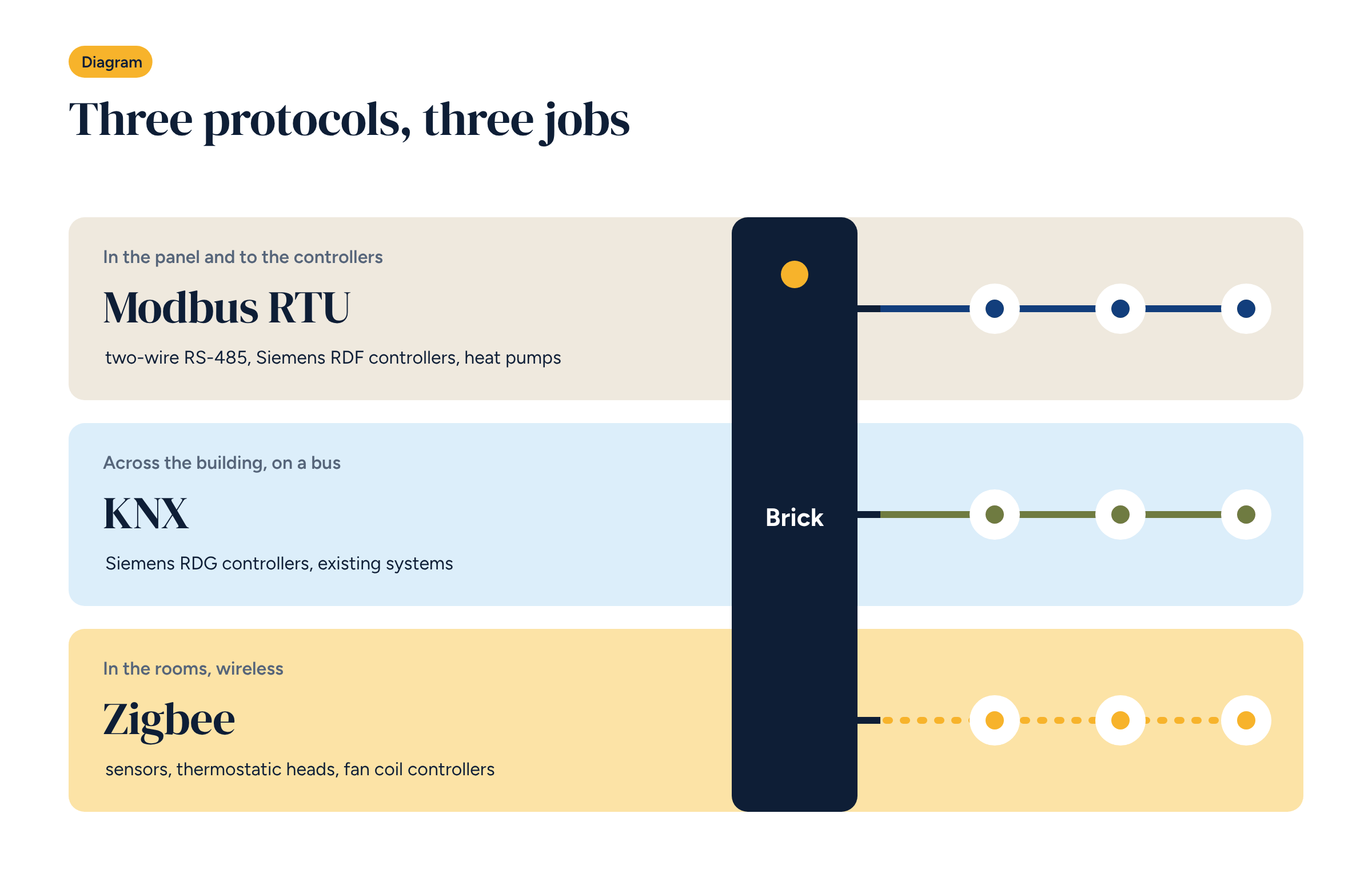
A modern building system rarely gets by with a single protocol. Modbus, KNX and Zigbee do different jobs and coexist well, as long as you know where each belongs. Here is how we combine them in Brick, with Home Assistant at the centre.
Walk into a plant room today and you often find three different worlds: a heat pump speaking Modbus, an electrical installation with a KNX bus, wireless sensors and actuators in the rooms. Each has its own cables, tools and specialists.
For years the answer was to pick one world and stay in it, with all the limits that brings. With an open controller and Home Assistant there is no need: Home Assistant can run Modbus over RS485, KNX and Zigbee together, each where it works best. Let’s see where to use each one and how to avoid the most common wiring mistakes.
Modbus was created in 1979 for industrial controllers and is still the most widespread protocol in building services. Heat pumps, chillers, energy meters, solar inverters, room controllers: almost all of them have a Modbus port.
The version most used in building systems is Modbus RTU over an RS-485 line: two twisted wires plus a common reference, daisy-chaining up to a few dozen devices over hundreds of metres. There is also Modbus TCP, which runs over Ethernet.
It works simply: the controller polls one device at a time and reads or writes registers, numbered slots. Register 100 might be the flow temperature, 200 the set point. That is why, with Modbus, the most important document is the manufacturer’s register map.
Home Assistant includes a Modbus integration: you declare the devices and the registers to read, and they become entities like any other.
KNX is a European standard for building automation, widely used in high-end electrical installations. A bus cable reaches switches, actuators, sensors and controllers, and they all exchange messages.
The logic differs from Modbus: devices are not polled one by one, but send messages to group addresses. A push button sends “on” to the living room lights group address and every actuator in that group responds. Configuration is done with dedicated software, ETS.
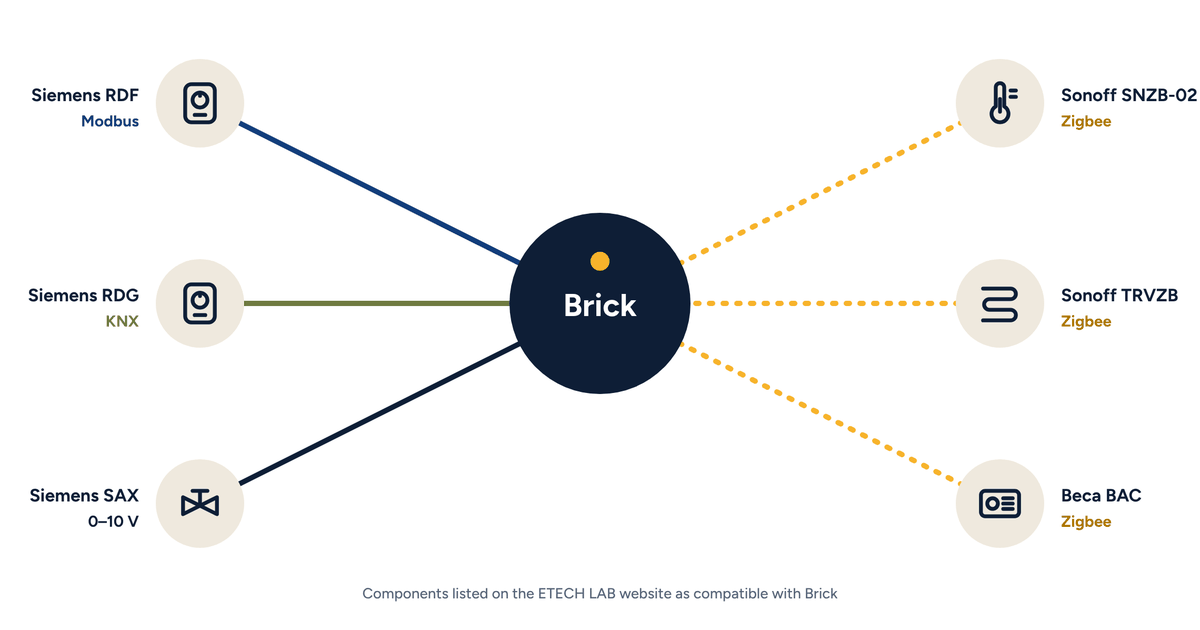
Where a building already has KNX, it makes sense to use it: KNX room controllers, such as Siemens RDG, integrate without new cables. Home Assistant speaks KNX through an IP interface or a bus connection, and reads and writes group addresses.
Zigbee is a low-power radio protocol designed for sensors and small actuators. It is the standard for many temperature and humidity sensors, thermostatic radiator valves and battery-powered room controllers.
The feature to understand is the mesh network: mains-powered devices, such as sockets and relays, act as repeaters for the others. A battery sensor at the end of the corridor reaches the coordinator via a relay in the kitchen. The more powered devices there are, the stronger the network.
In upgrades, Zigbee is often the best choice for the rooms: no cables, sensors you can move in a minute, batteries that last for years.
Take a realistic example: a detached house with a heat pump, underfloor heating on the ground floor, fan coils upstairs and a KNX electrical installation.
For whoever uses the app, the protocols disappear: there are only rooms and temperatures.
On RS-485.
On KNX. Respect bus polarity, stay within the maximum line length, and document the group addresses used for heating control so the electrician knows not to touch them.
On Zigbee. Do not shut the coordinator inside a metal panel, which screens the signal: bring it out with an antenna or an extension. And choose a Zigbee channel away from the Wi-Fi one, since both use the 2.4 GHz band.
In upgrades you start from what is there. In a new system you can choose, and a simple rule works almost every time.
Either way, avoid adding a fourth proprietary protocol just for one component. Every extra protocol is another tool to learn and another place where something can break.
For mixed systems with underfloor heating and fan coils, Brick has two ready-made configurations. C0 uses Modbus room controllers, such as Siemens RDF, and handles three-speed or EC fan coils. D0 uses KNX controllers, such as Siemens RDG, and also handles terminals in sequence, multi-stage heat sources and twin pumps.
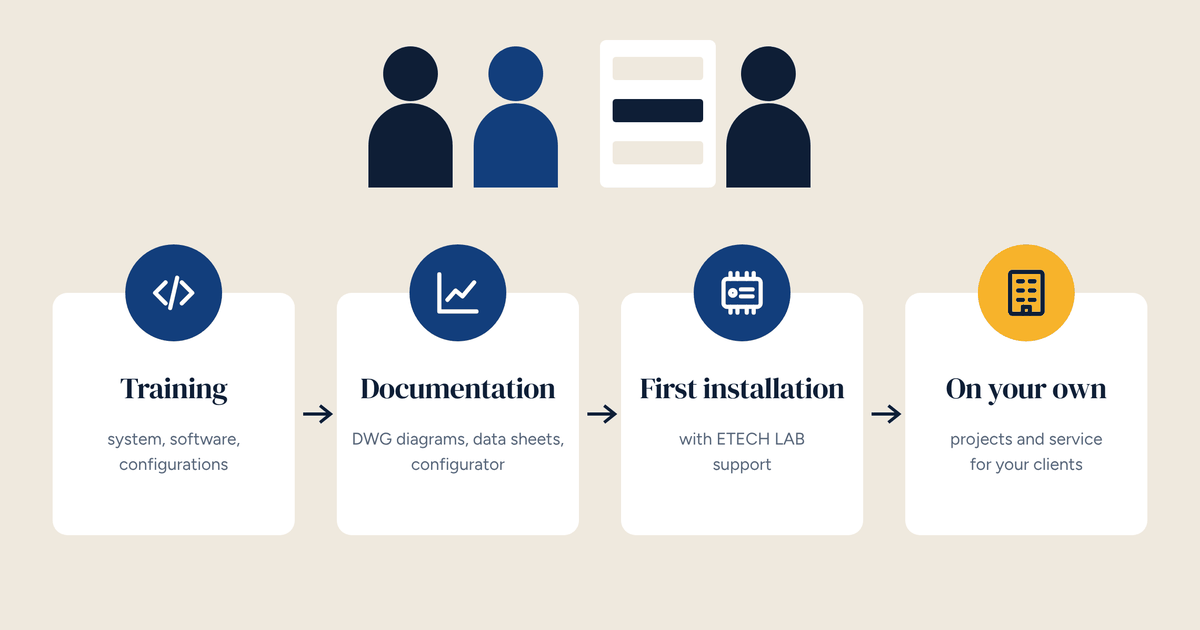
Both start from the principle described in Home Assistant in a professional installation: open software, panel-grade hardware and documentation that lets any integrator take over the system. For fan coil details, see the dedicated article.
C0 uses Modbus room controllers, D0 uses KNX controllers. Compare them and download the architecture diagrams.